
Great question! The La Rosa app absolutely supports saving a reward for later so you don’t spend your rewards until you’re ready to do so!
To pause a reward, tap the “Redeem” icon at the bottom of the La Rosa app screen. The subsequent page will display all of your available rewards and offers.
To set a reward to “on” for immediate redemption, please toggle the reward so the “√” shows. If you’d like to save the reward for later, please remove the “√.”
The below image indicates what your Reward will look like when it's active on your account. Rewards with a "√" will be applied automatically to your next order.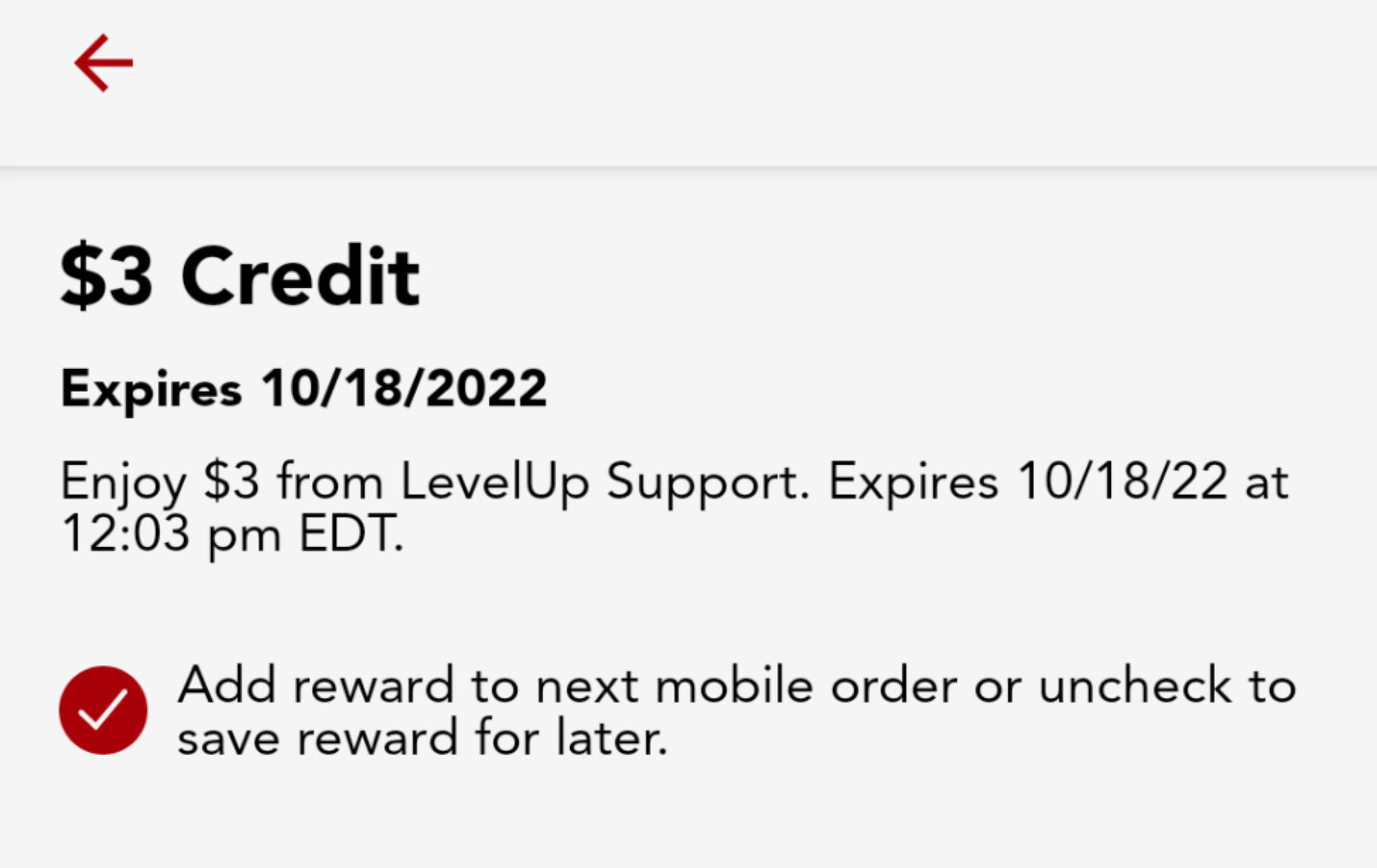
The below image indicates what your reward will look like when it's toggled "off" or if it is being saved for later: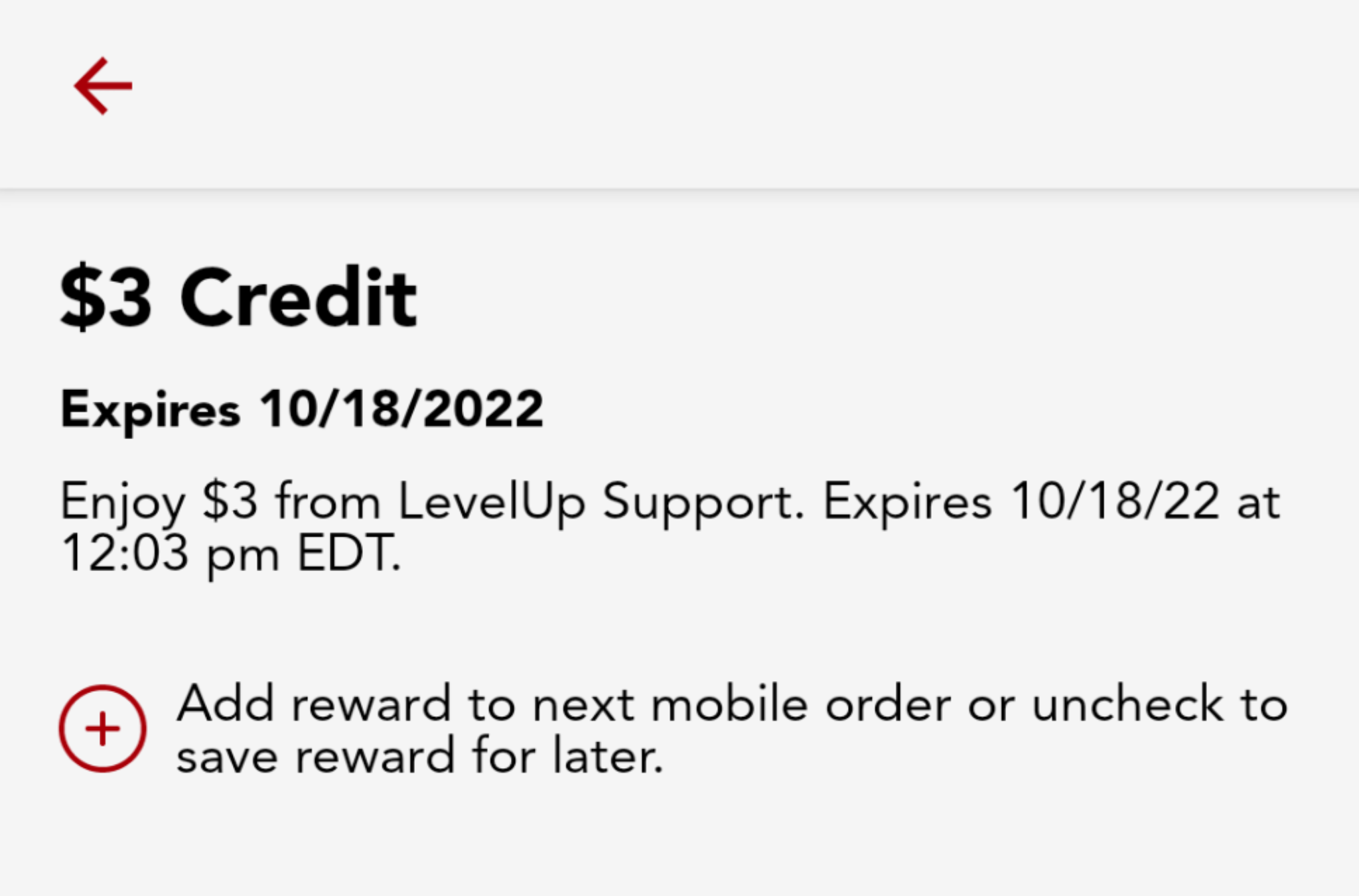
Please note, toggling a reward "off" will not extend the expiration date, so it's a good idea to make sure you re-activate and use the reward before it expires!
Please remember, not all rewards will have the option to toggle them or save them for later. This is because not all rewards - like the Welcome Reward or limited-time offers - are eligible to be saved for later. If you do not see a toggle option by the reward, this indicates that it cannot be saved for later and will be redeemed automatically on your next order with no further action from you!
Comments
Please sign in to leave a comment.